PDF Tools
12 toolsImage to PDF
Turn JPG, PNG and JPEG files into one clean, print-ready PDF.
Open tool FreePDF to Image
Convert every page of one or many PDFs into JPG or PNG, zipped.
Open tool PopularPDF Compressor
Shrink a heavy PDF with a live size preview and 5 quality presets.
Open tool FreePDF Splitter & Merger
Split, reorder, rotate and merge pages from any number of PDFs.
Open tool NewCombine PDF
Merge PDFs and images into one document and drag the cards into the exact order you want.
Open tool NewRearrange PDF
Open several PDFs, see every page colour-coded by its file, drag them into the order you want and rotate any page.
Open tool FreeProtect PDF
Merge several PDFs into one file and lock it with a password.
Open tool FreeUnlock PDF
Remove the password from a PDF you already have the password for.
Open tool NewRotate PDF
Turn sideways or upside-down scans the right way up, page by page.
Open tool NewPDF Page Numbers
Stamp page numbers on a PDF — choose position, style, font and start number.
Open tool NewPDF to Text (OCR)
Pull the text out of a PDF — including scanned pages — and save it as TXT or Word.
Open tool FreePDF Signer
Drop your signature on every page of a PDF, or on a single image.
Open toolImage Tools
5 toolsImage Crop & Compress
Zoom, pan, crop, rotate and compress JPG or PNG with a live size readout.
Open tool PopularBackground Remover
Cut out the subject, change the backdrop and build A4 passport sheets.
Open tool NewPassport Photo Maker
Cut out the subject, set the backdrop and build a print-ready sheet at 300 DPI.
Open tool NewImage to Text (OCR)
Read the text in a photo or screenshot and copy it out as TXT or Word.
Open tool NewExtract Images from PDF
Pull every embedded photo, logo and scan out of a PDF and save them as PNG files.
Open toolStamp & Watermark
2 toolsWatermark PDF & Images
Drop a text or image watermark on every page and drag it where you want it.
Open tool NewStamp Maker
Design a round or rectangular rubber stamp and download it as a transparent PNG.
Open toolWhy work with Filix
Every tool here runs on your own computer using your browser. There is no server that receives your documents, so client papers, bank statements and ID proofs stay private.
Nothing is uploaded
Files are read, processed and saved inside the tab. Close it and nothing remains anywhere.
No account needed
Open a tool and start working. No email, no OTP, no daily limit and no watermark on the output.
Print-ready output
Choose quality levels, DPI, orientation and margins so the result is fit for filing, printing or WhatsApp.
Built for offices
Made for the paperwork a legal, GST or contracting office handles all day — scans, annexures and certificates.
The fastest PDF & image processing tools in one place
Whether you are looking to convert, compress or remove a background, combine or edit a PDF or an image, you will find the right tool on Filix.

-
Runs in your browser
Every tool works inside the page you are already looking at. Your file is opened, changed and saved on your own computer, so bank statements, ID proofs and client agreements never travel to a server and there is nothing for anyone to leak or store.
-
Lightning fast file processing
There is no upload wait and no download wait, and no queue behind other people's jobs. A 40 MB scan is as quick as your own machine can manage, and the tools keep working on a slow connection because only the page itself comes over the network.
-
Multi-format file support
PDF, JPG, JPEG, PNG and WEBP go in; PDF, JPG, PNG, transparent PNG, TXT, Word and ZIP come out. Mix a scanned PDF and a phone photo in the same batch and Filix will still hand you one properly ordered document.
-
Genuinely easy to use
Drop a file in, set what you need, download the result. No account, no OTP, no credit card, no daily limit and no watermark on the output. Each tool explains what it is about to do in plain words before you commit to it.
-
Batch processing
Work on a whole folder at once. Convert every page of several PDFs to images in one pass, compress a set of photos together, number or watermark an entire file, then take the finished set away as a single ZIP.
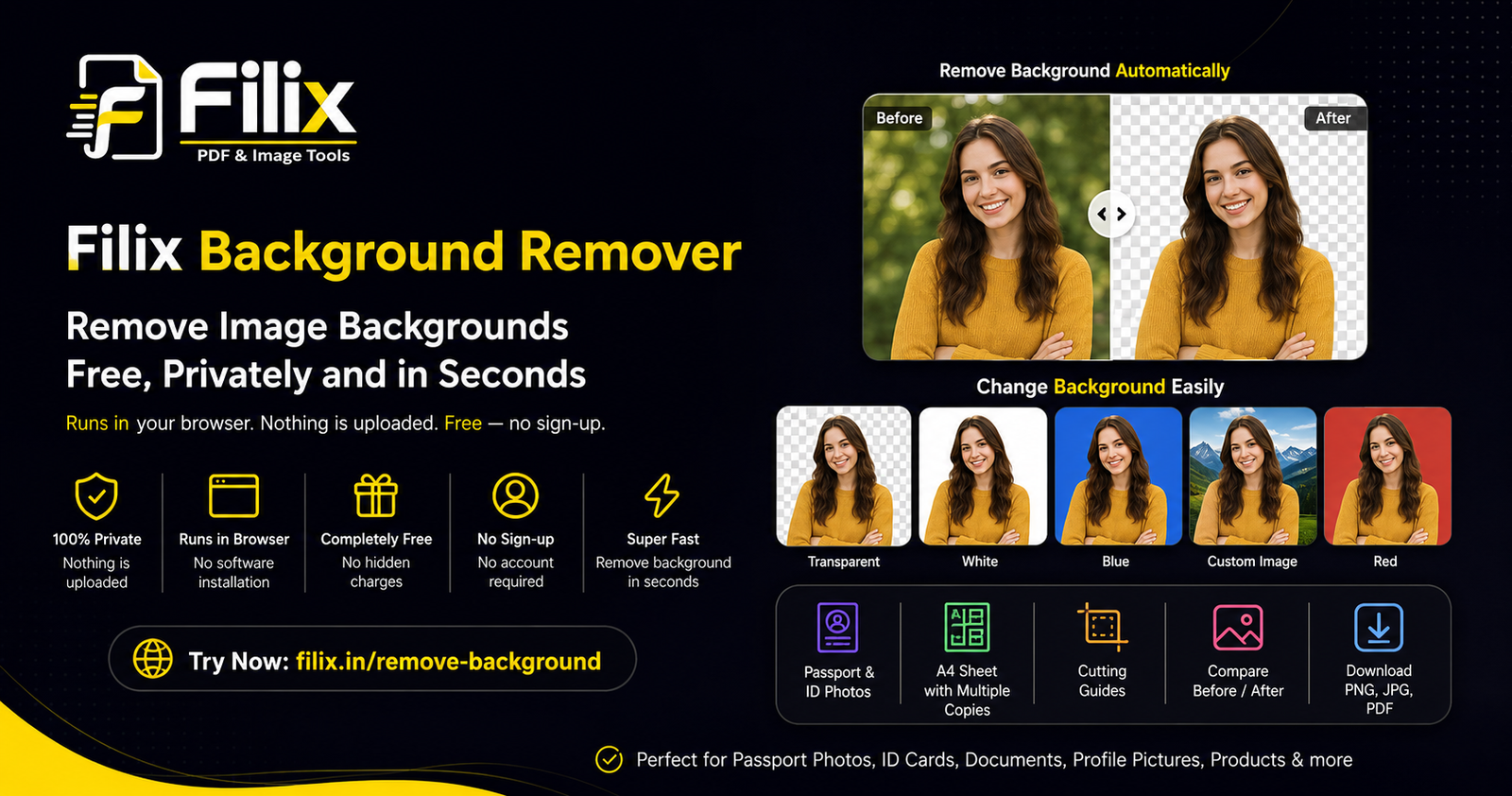
Filix Background Remover: Remove Image Backgrounds Free, Privately and in Seconds
Remove image backgrounds without installing software or uploading your photos. Filix Background Remover runs directly in your browser, is completely free, requires no sign-up, and also lets you change backgrounds, create passport-size photos, and prepare print-ready A4 sheets.
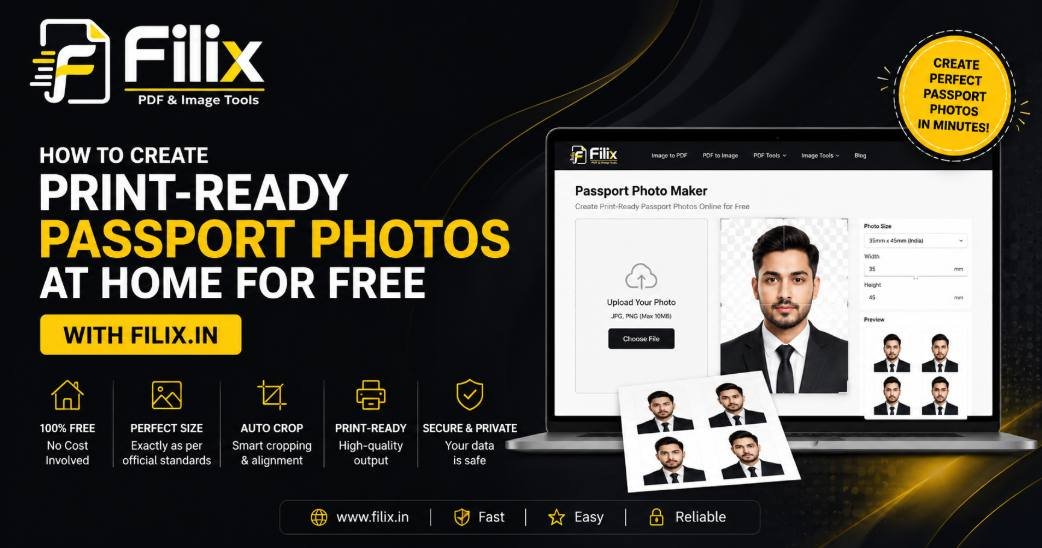
How to Create Print-Ready Passport Photos at Home for Free with Filix.in
Stop paying for expensive studio passport photos. Learn how Filix’s browser-based Passport Photo Maker lets you remove backgrounds, customize sizes, and generate high-resolution A4 print sheets directly on your device—100% free and private.
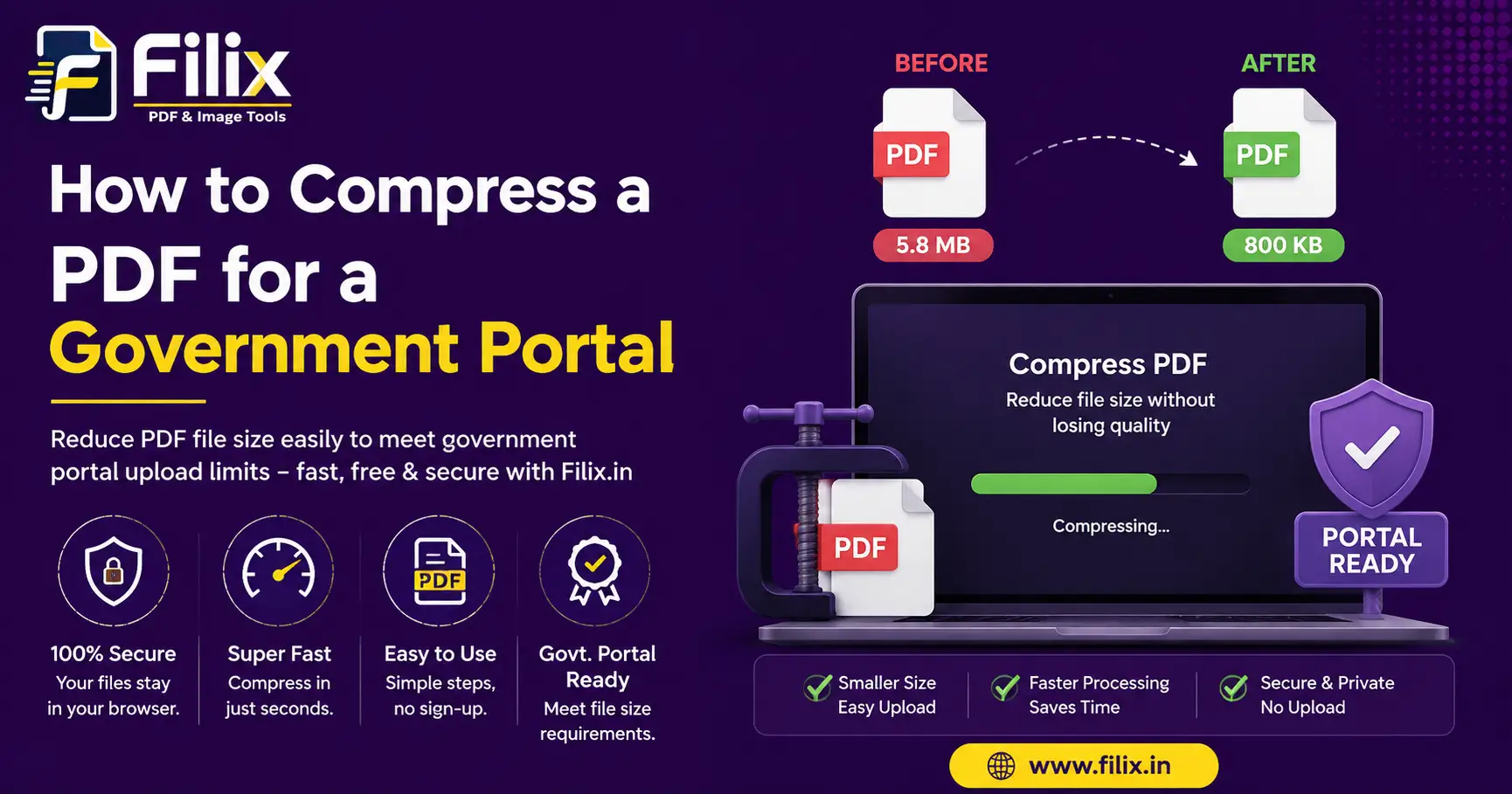
How to compress a PDF for a government portal without wrecking it
Most Indian portals cap uploads at 100 KB to 2 MB. Here is how to hit that number and still have a readable document.
About this suite. Filix brings together 19 browser-based utilities — Image to PDF, PDF to Image, PDF Compressor, PDF Splitter & Merger, Combine PDF, Rearrange PDF, Image Crop & Compress, Background Remover, Protect PDF, Unlock PDF, Rotate PDF, PDF Page Numbers, Watermark PDF & Images, Stamp Maker, PDF to Text (OCR), Passport Photo Maker, Image to Text (OCR), PDF Signer, Extract Images from PDF. Each page keeps its own title, meta description and keywords, all editable from the admin panel.